Amaze A207 ULTRA SERIES 2.5 HDD CASE USB 3.0 – Black – BIS
$45.19
$60.55
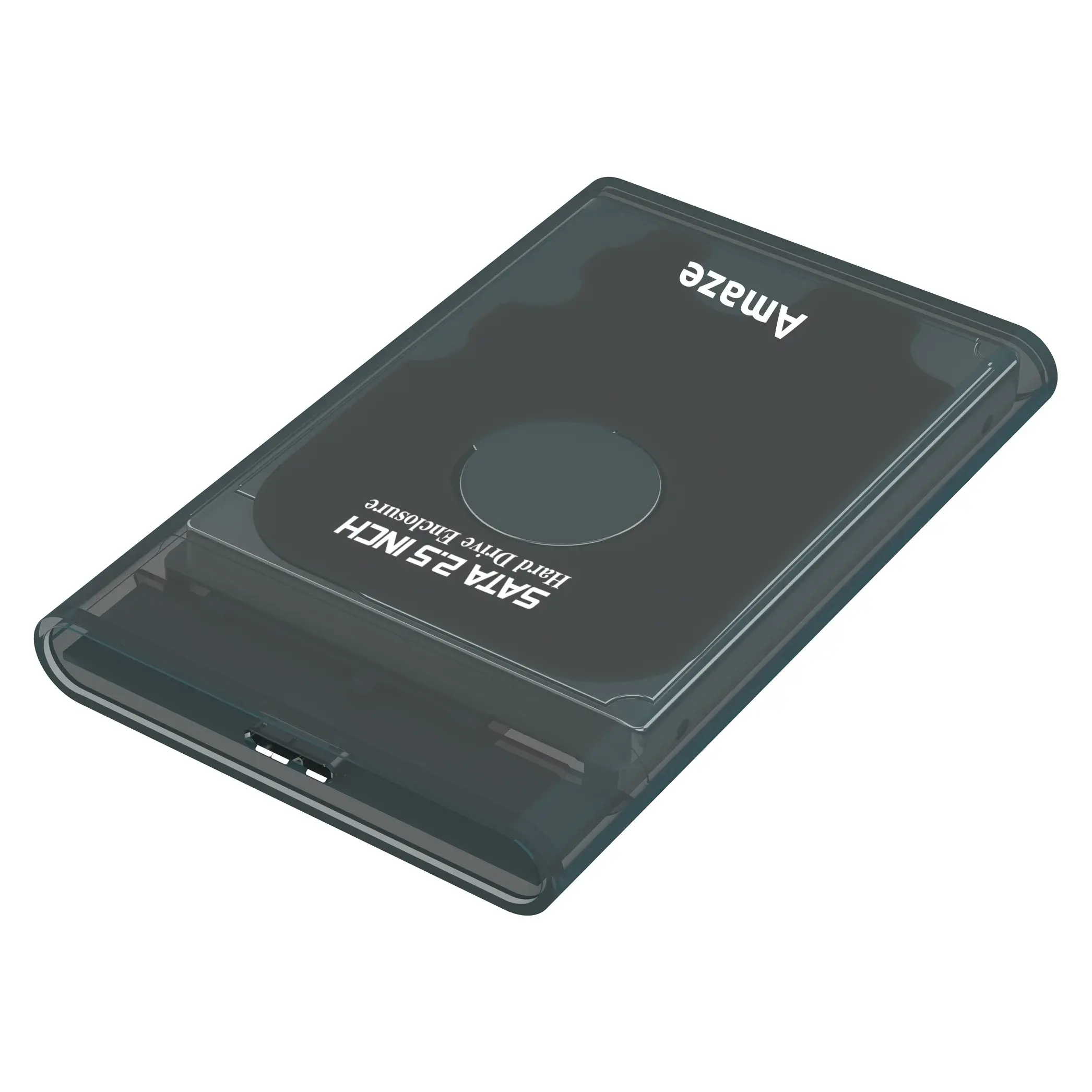
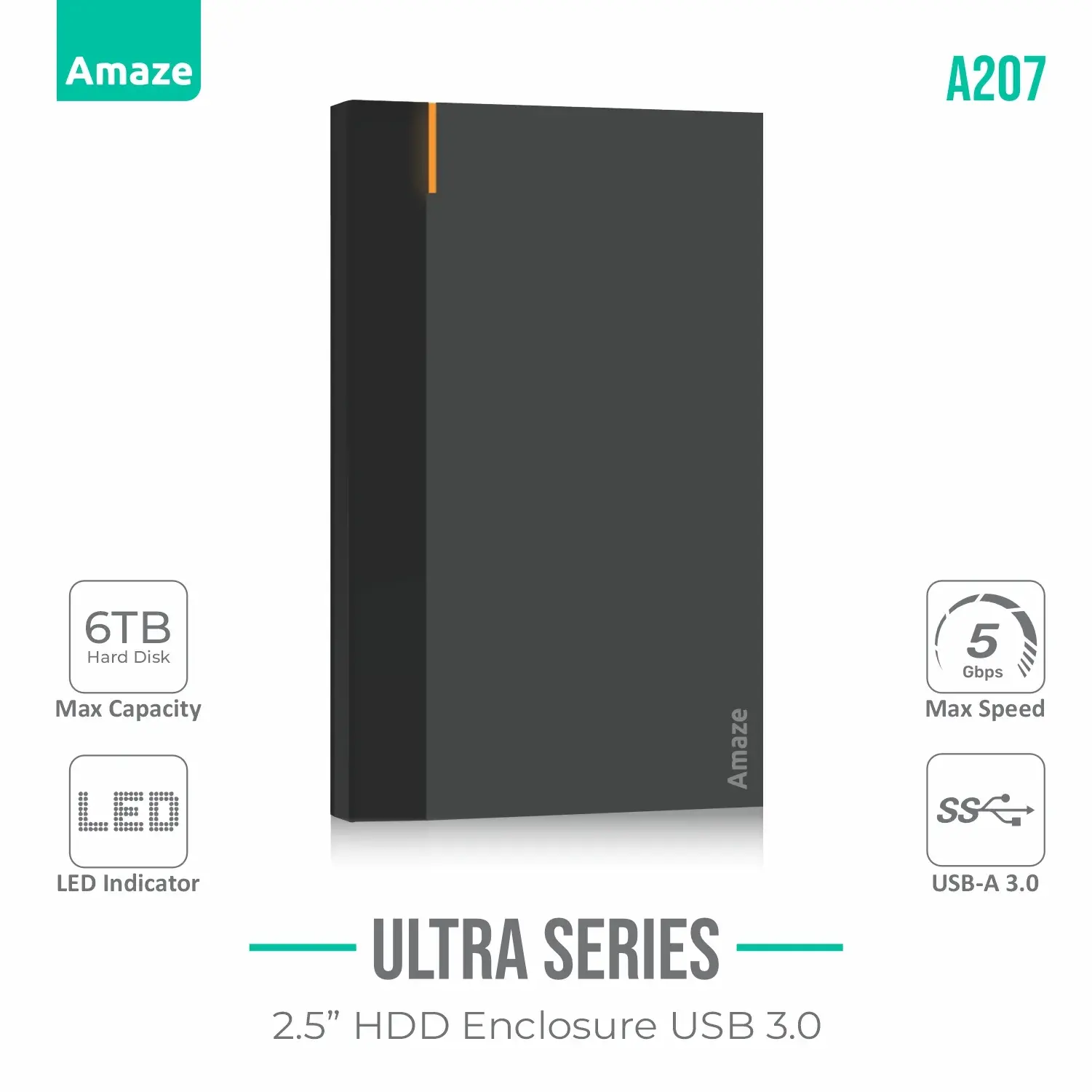
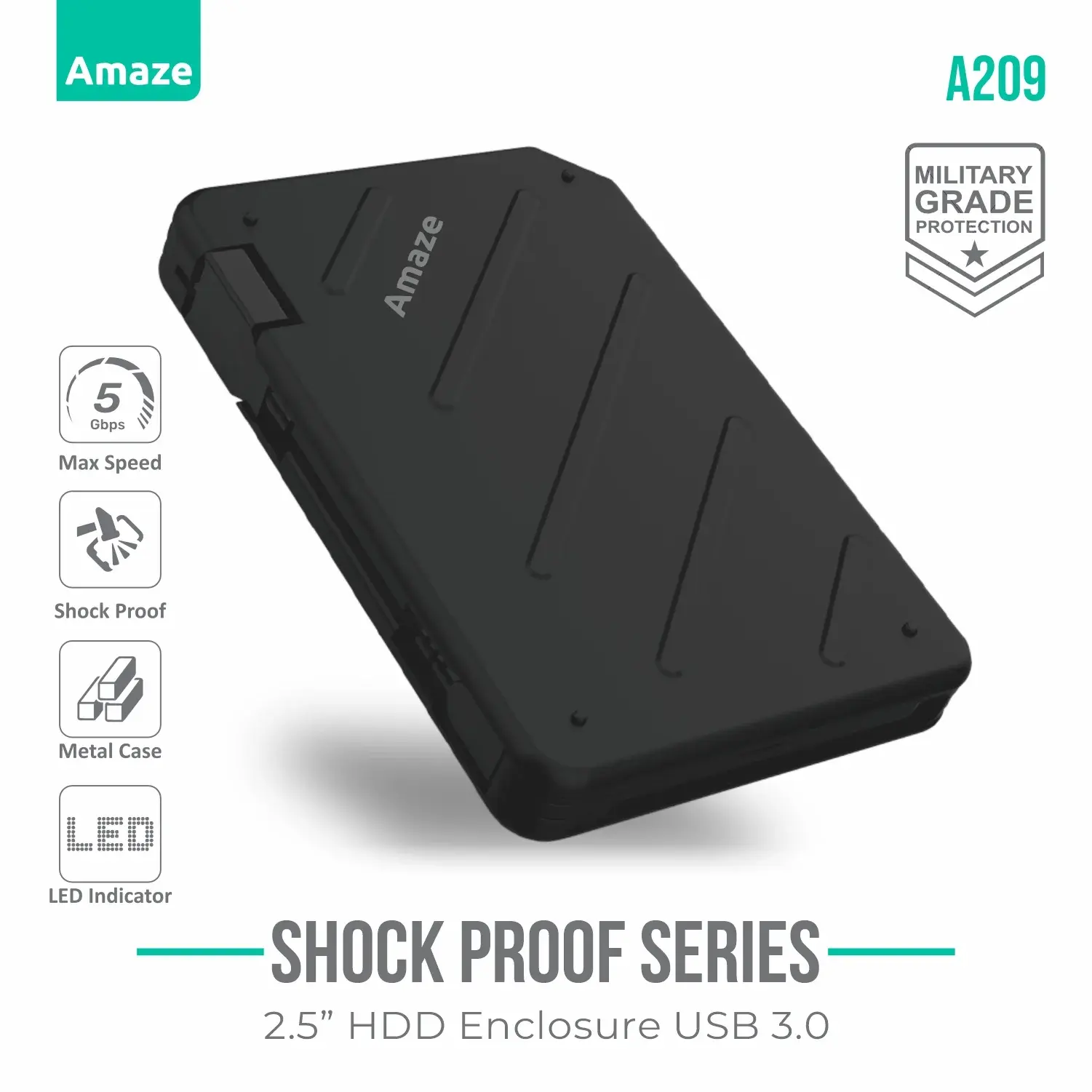
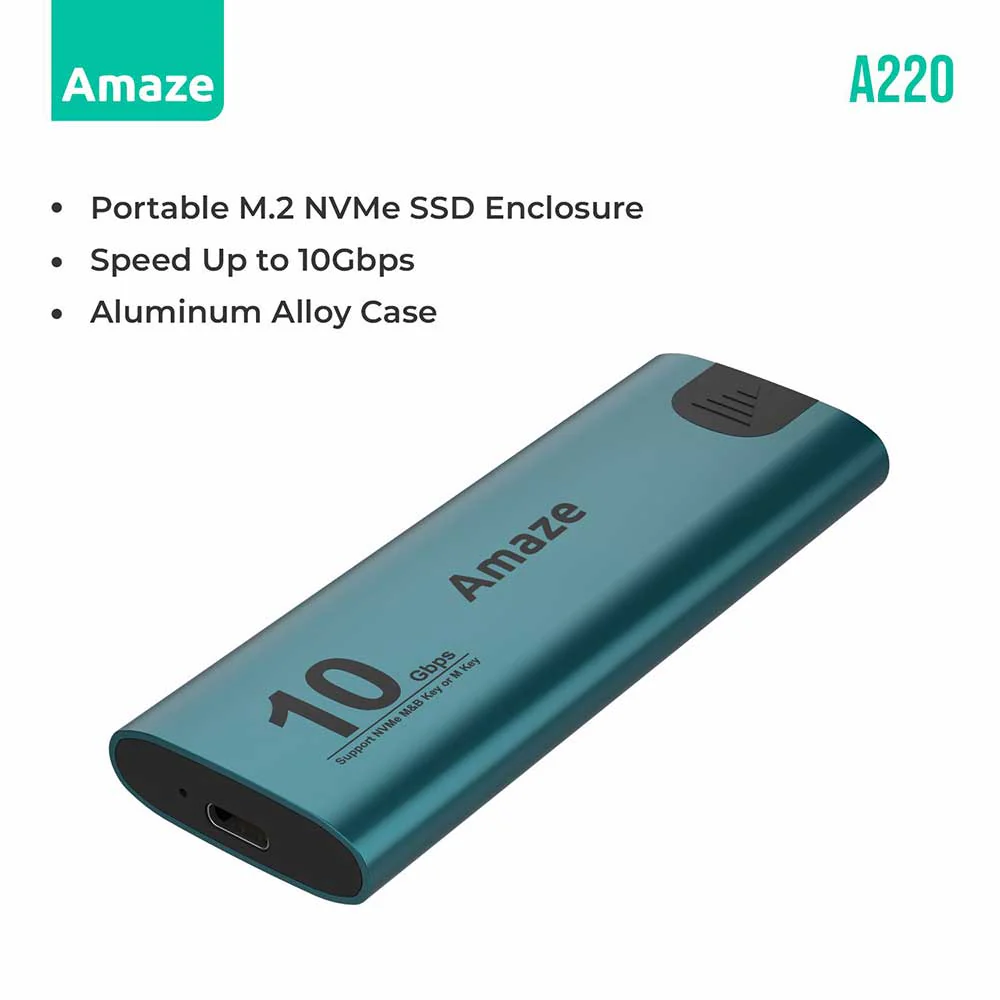
Up to 5GbpsUSB 3.0LED IndicatorUpto 6TB HDD CapacityLED IndicatorFeatures:1. Portable Storage Solution: Ideal for turning an internal HDD or SSD into a portable external drive for backups, file transfers, or additional storage.2. Versatile Usage: Compatible with PCs, laptops, smart TVs, gaming consoles, and other USB-enabled devices.3. Cost-Effective: Provides a budget-friendly way to repurpose old laptop drives.4. High-Speed Performance: USB 3.0 ensures minimal lag during file transfers, making it suitable for large file operations, such as videos, games, or extensive data backups.5. Durable Protection: Shields the drive from physical damage, dust, and moisture.6. Energy Efficient: Low power consumption, as it relies on the USB port for power.Detailed Specifications: 1. Drive Compatibility: Designed for 2.5-inch SATA I/II/III HDDs and SSDs. Supports storage capacities typically up to 6TB or higher (depending on the specific model).2. USB Interface: USB 3.0 interface for faster data transfer speeds up to 5 Gbps. Backward compatible with USB 2.0 (480 Mbps) and USB 1.1 (12 Mbps).3. Build Quality: Sturdy plastic casing for durability and efficient heat dissipation. Shock-resistant exterior to protect your drive during transport.4. LED Indicator: Integrated LED light to display power status and data transfer activity.5. Power Source: USB-powered—no additional external power adapter required (for most 2.5″ drives).6. Plug-and-Play: Compatible with Windows, macOS, Linux, and some gaming consoles (e.g., PS4, PS5, Xbox).7. Tool-Free Design : Enables easy installation without the need for screwdrivers or other tools.8. Cable Length: Includes a USB 3.0 cable, typically 50 cm in length.Common Applications: 1. Backup and Recovery: o Use as a portable backup drive for critical files or system images. 2. Data Migration: o Easily transfer data between devices, such as upgrading from an old laptop. 3. Portable Gaming: o Store games and play them on supported gaming consoles like PS4, PS5, or Xbox. 4. Media Storage: o Ideal for creating a library of movies, music, or photos.How to Use: 1. Step 1: Open the enclosure by sliding or unlocking the top panel. 2. Step 2: Connect the SATA interface of the drive to the connector inside the enclosure. 3. Step 3: Secure the drive if required. 4. Step 4: Close the casing and connect the USB cable to your computer. 5. Step 5: The drive should be automatically detected by your operating system. Format it if it’s a new drive or directly access the data.Check Other Item Here